How Business Email Hosting Works Behind the Scenes
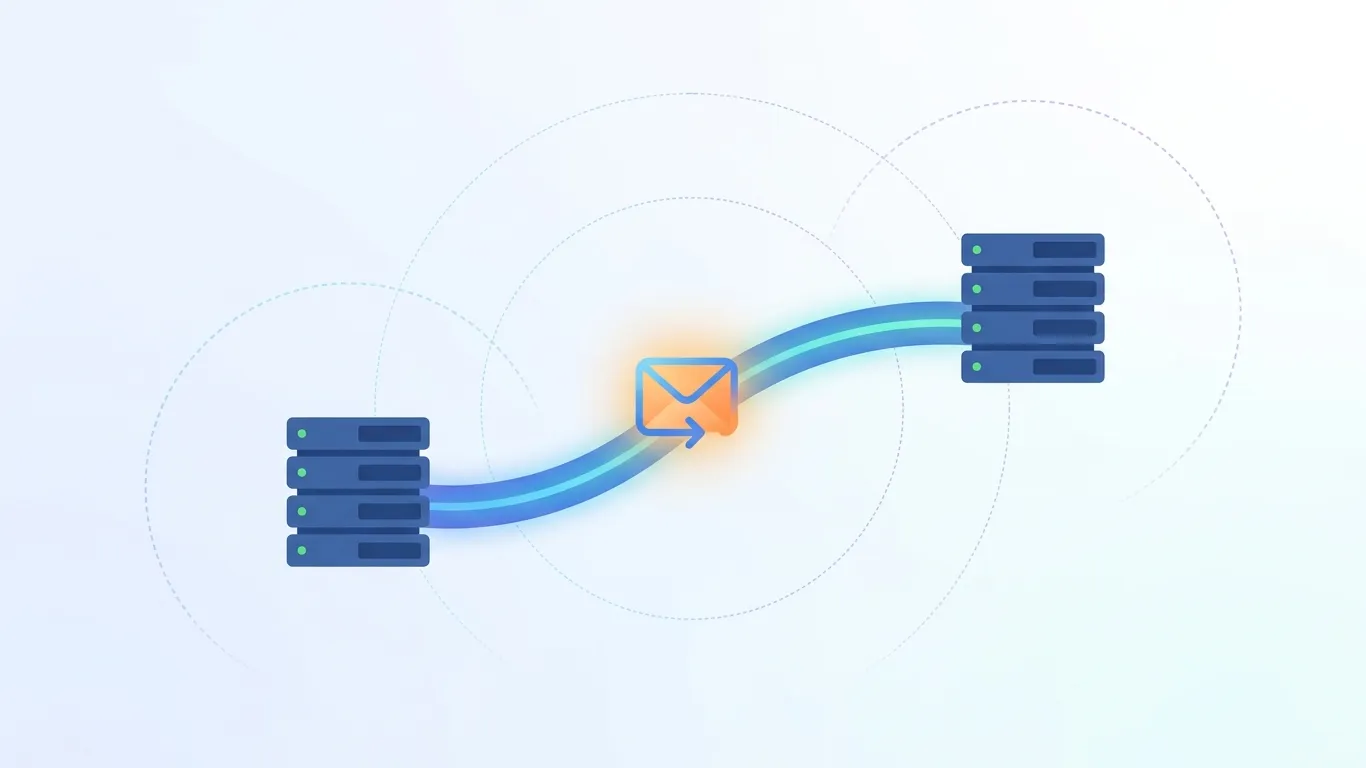
Ever wondered what happens between hitting send and an email landing in an inbox? Here's the full journey — SMTP, MX records, SPF, DKIM, and DMARC.
If you've already decided your business needs professional email — and you just want to understand what's actually happening when you hit send — this article is for you. For a broader look at what business email hosting is and why it matters, our Complete Guide to Business Email Hosting covers that ground. Here, we're going deeper into the mechanics: the protocols, the checks, and the servers that turn a typed message into something sitting in someone's inbox seconds later.
The best way to understand it is to follow one email on its actual journey.
What Actually Happens When You Hit "Send"
When you click send, your email doesn't travel directly to the recipient. It goes through a short relay:
- Your email client (webmail, app, or desktop program) hands the message to your outgoing mail server
- That server looks up where the recipient's domain receives mail
- It connects to the recipient's mail server and transfers the message
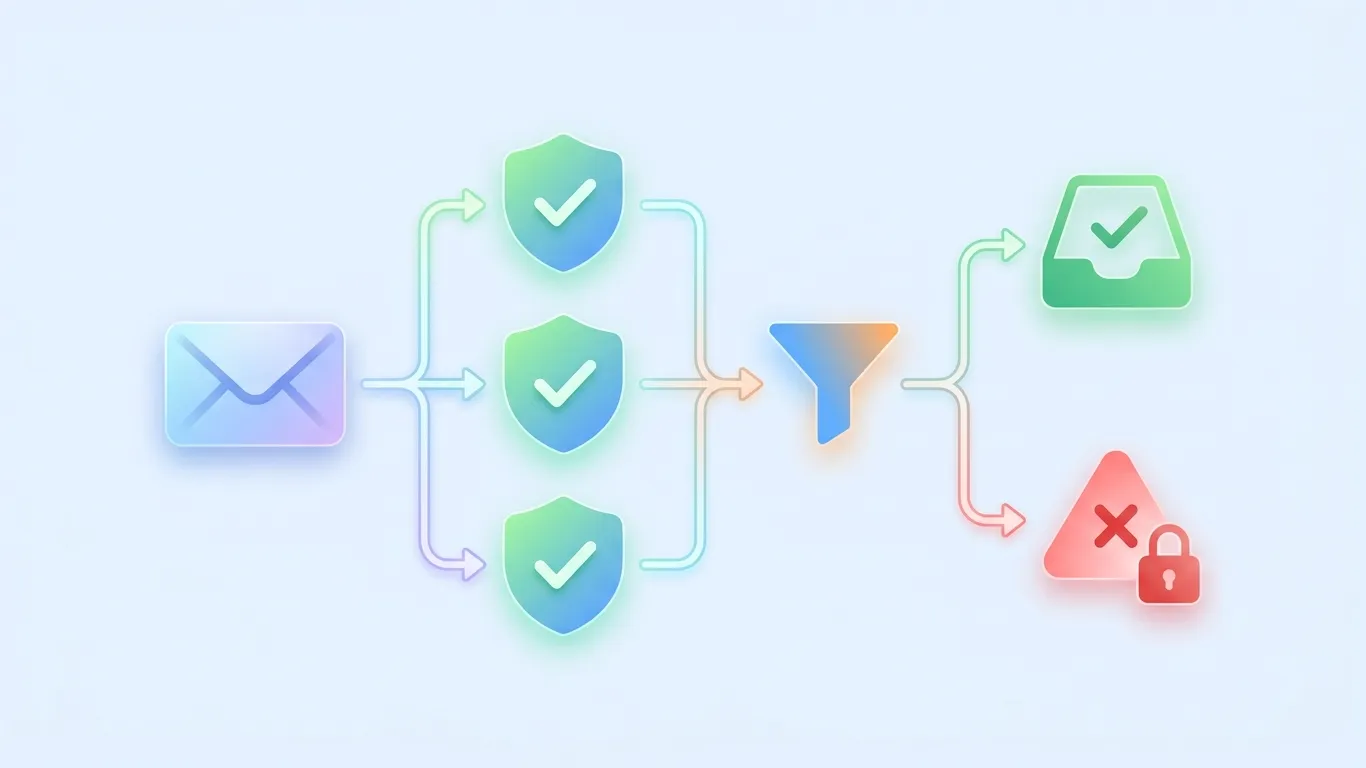
- The receiving server runs a set of authentication checks
- If those checks pass, the message lands in the recipient's inbox
- The recipient's client retrieves it the next time it checks for new mail
Each of those steps involves a specific protocol or record doing a specific job. Let's walk through each one.
The Protocols Doing the Work — SMTP, IMAP, and POP3
SMTP — how your message leaves the building
SMTP (Simple Mail Transfer Protocol) is the protocol responsible for sending mail — both from your client to your outgoing server, and from your server to the recipient's server. It typically runs over port 587 (with STARTTLS encryption) for client submissions, or port 465 (implicit TLS) in some configurations, and port 25 for server-to-server relay. SMTP's job ends the moment the message is successfully handed off — it doesn't handle storage or retrieval at all.
IMAP vs POP3 — how your message gets read
Once a message arrives, retrieval is handled by a different protocol entirely. IMAP (Internet Message Access Protocol, typically port 993 with TLS) keeps your messages stored on the server and syncs read/unread status, folders, and changes across every device you use — this is why deleting an email on your phone also removes it from your laptop's inbox. POP3 (Post Office Protocol, typically port 995 with TLS), by contrast, downloads messages to a single device and — depending on settings — often removes them from the server afterward. Most business email hosting today defaults to IMAP specifically because teams check email from multiple devices.
How Your Domain Tells the Internet Where to Deliver Mail (MX Records)
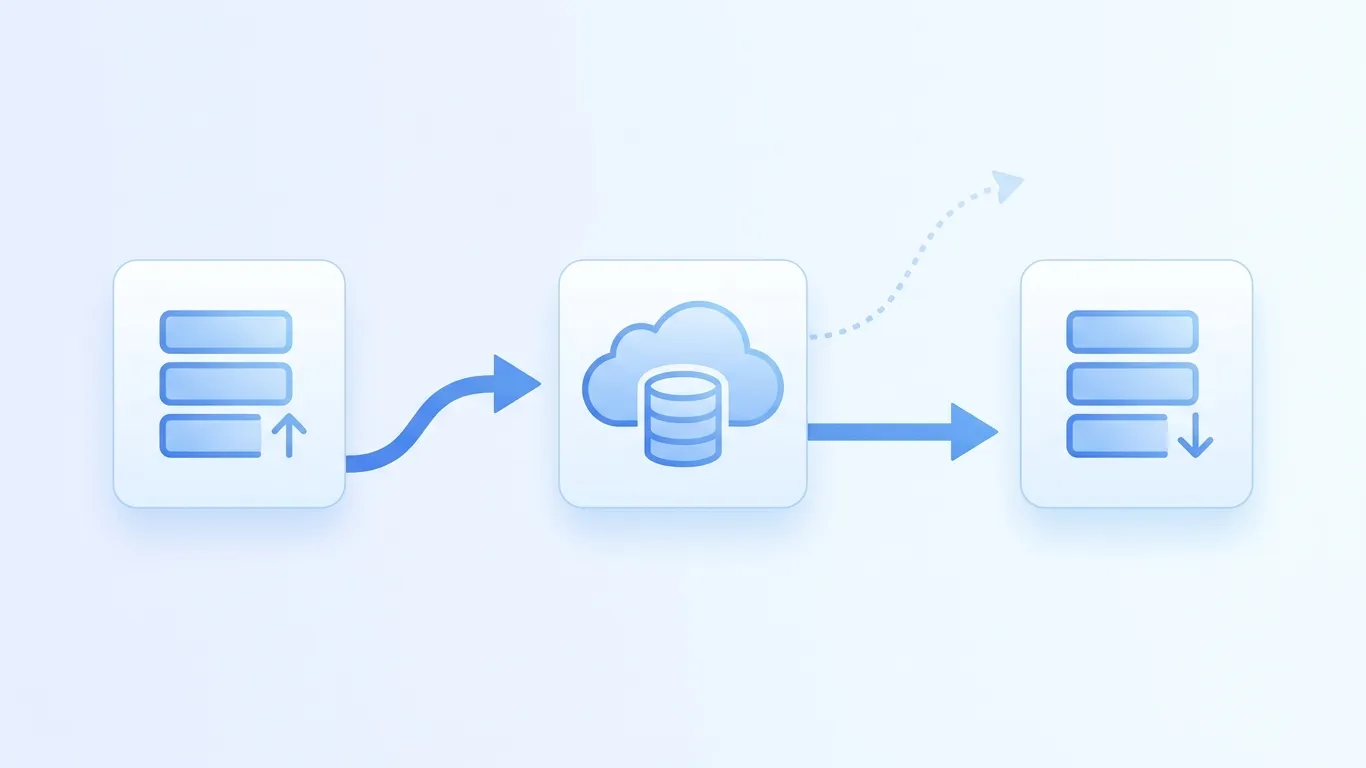
Before any message can be delivered, the sending server needs to know where to send it. That's the job of your domain's MX (Mail Exchange) record — a DNS entry that essentially says "mail for this domain goes to this server." When someone sends a message to [email protected], the sending server performs a DNS lookup on yourcompany.com, finds the MX record, and connects to whatever mail server that record points to.
This is also why moving email providers requires updating your MX records — until that DNS change propagates, mail may still route to your old provider.
The Authentication Handshake — SPF, DKIM, and DMARC in Action
Here's where a lot of explanations get muddled, because these three checks run together but each one verifies something different.
SPF — who's allowed to send as you
SPF (Sender Policy Framework) is a DNS record listing which mail servers are authorized to send email on behalf of your domain. When a message arrives claiming to be from yourcompany.com, the receiving server checks whether the sending server's IP address is on that authorized list.
DKIM — proving the message wasn't altered
DKIM (DomainKeys Identified Mail) attaches a cryptographic signature to outgoing messages, generated using a private key your mail server holds. The receiving server checks that signature against a public key published in your DNS records to confirm the message genuinely came from your domain and wasn't altered in transit.
DMARC — telling receivers what to do if checks fail
DMARC (Domain-based Message Authentication, Reporting & Conformance) ties SPF and DKIM together and tells receiving servers what to do when a message fails one or both checks — quarantine it, reject it outright, or just monitor and report. Without a DMARC policy, receiving servers are left to guess, which is part of why spoofed emails slip through more easily on domains without one configured.
Where Webmail, Apps, and Spam Filtering Fit Into the Pipeline
It's easy to think of webmail or a dedicated mail app as "the email service" itself, but they're actually just clients — the same as any desktop email program. They connect to your mailbox using IMAP (to read and organize mail) and SMTP (to send it); the interface is just a different window into the same underlying mail server. Spam and threat filtering typically sits between the authentication step and your inbox, scoring incoming messages against known spam patterns, sender reputation, and content signals before deciding whether a message reaches your inbox, a spam folder, or gets blocked entirely.
How This Connects to Choosing a Business Email Host
Every piece above — MX records, SPF, DKIM, DMARC, SMTP, IMAP — is technically something you could configure yourself on a self-managed mail server. But as our Complete Guide to Business Email Hosting covers, most businesses choose hosted email precisely to avoid managing this infrastructure directly: misconfigured DNS records, unpatched mail servers, or missing authentication setup are common causes of email ending up in spam or, worse, getting spoofed. Hosting handles the plumbing; you handle sending email.
How UCN Mail Handles This Behind the Scenes
UCN Mail runs this entire pipeline for you on custom-domain mailboxes. Setup is guided rather than manual — SPF, DKIM, DMARC, and MX records are walked through step by step rather than left as raw DNS entries to configure blind. Mail is accessible through standard SMTP/IMAP/POP3 (so it works with whatever client your team prefers), UCN Mail's own built-in webmail, or its dedicated app — all talking to the same underlying mailbox. Spam and threat filtering runs automatically on every incoming message, and everything is available across the Lite, Basic, Pro, and Business tiers, priced per mailbox so you're not paying for infrastructure you don't need.
Further Reading on the UCN Mail Blog
UCN Mail Editorial
The team behind UCN Mail. Writing about deliverability, DNS, and running email on your own domain.