Sending Email as a Developer: SMTP vs. API Explained
How SMTP and email sending APIs actually work, what makes an email "transactional," and how to choose the right approach for your project.
How SMTP and email sending APIs actually work, what makes an email "transactional," and how to choose the right approach for your project.
Sending Email as a Developer: SMTP vs. API Explained
Every application that needs to send a password reset, an order receipt, or a signup confirmation eventually hits the same question: how do you actually send that email from code? The two real answers are SMTP and a sending API — and most explanations pick a side without properly explaining either one first.
This guide walks through what SMTP and email APIs actually are, what "transactional email" specifically means, what a sending API handles that raw SMTP leaves entirely to you, and how to think through which approach fits your project.
What "Sending Email as a Developer" Actually Means
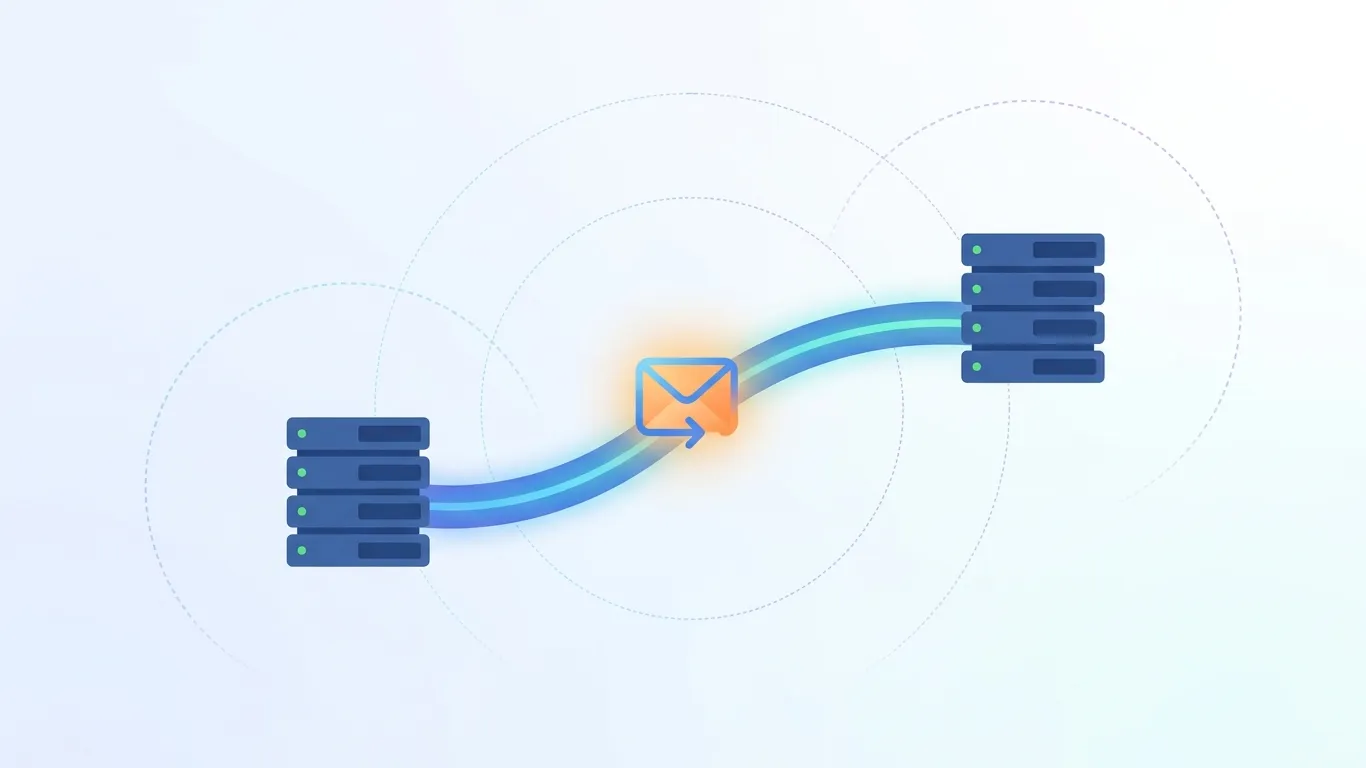
When an application sends email — a receipt, a notification, a password reset link — it needs some mechanism to hand that message off to the broader email system so it eventually lands in someone's inbox. There are really only two ways to do that: connect directly to a mail server using SMTP and speak its protocol yourself, or make a request to an email sending API and let a provider handle the SMTP layer on your behalf.
Both approaches ultimately result in a message going out over SMTP somewhere in the chain — the difference is whether your application is the thing managing that connection directly, or whether it's making a simpler API call and letting someone else own the mail-server relationship.
SMTP: The Original Way to Send Email
SMTP (Simple Mail Transfer Protocol) is the foundational protocol email has run on for decades, and it's still the mechanism every email eventually travels over — even when you're using an API, the API itself is talking SMTP (or an equivalent) under the hood.
How an SMTP Connection Actually Works
To send email over SMTP, your application opens a direct connection to a mail server, authenticates with credentials, and issues a sequence of commands — identifying the sender, the recipient, and the message content — that the server processes and relays onward. Most language ecosystems have a library for this (Nodemailer for Node.js, smtplib for Python), but the developer is still directly responsible for managing that connection.
Ports, TLS, and Common Connection Errors
SMTP submission typically runs over port 587 with TLS/STARTTLS encryption, or port 465 for SMTP over SSL — the older, unencrypted port 25 is largely deprecated for client submission and blocked by many networks and cloud providers by default. A large share of "my email isn't sending" developer issues trace back to using the wrong port, a network or firewall blocking outbound SMTP traffic (common on cloud platforms that restrict port 25 specifically), or missing TLS negotiation.
Where SMTP Starts to Break Down at Scale
Raw SMTP works fine for low volume — a contact form, an occasional internal alert. It becomes a real engineering problem at scale: connection limits imposed by mail servers, no built-in retry logic if a send fails, no queueing mechanism if you need to send faster than the server accepts connections, and no structured way to know whether a message actually reached the recipient's server, let alone their inbox. None of this is a flaw in SMTP itself — it's simply a low-level protocol that was never designed to include the operational tooling a production application needs.
What Is a Transactional Email API?
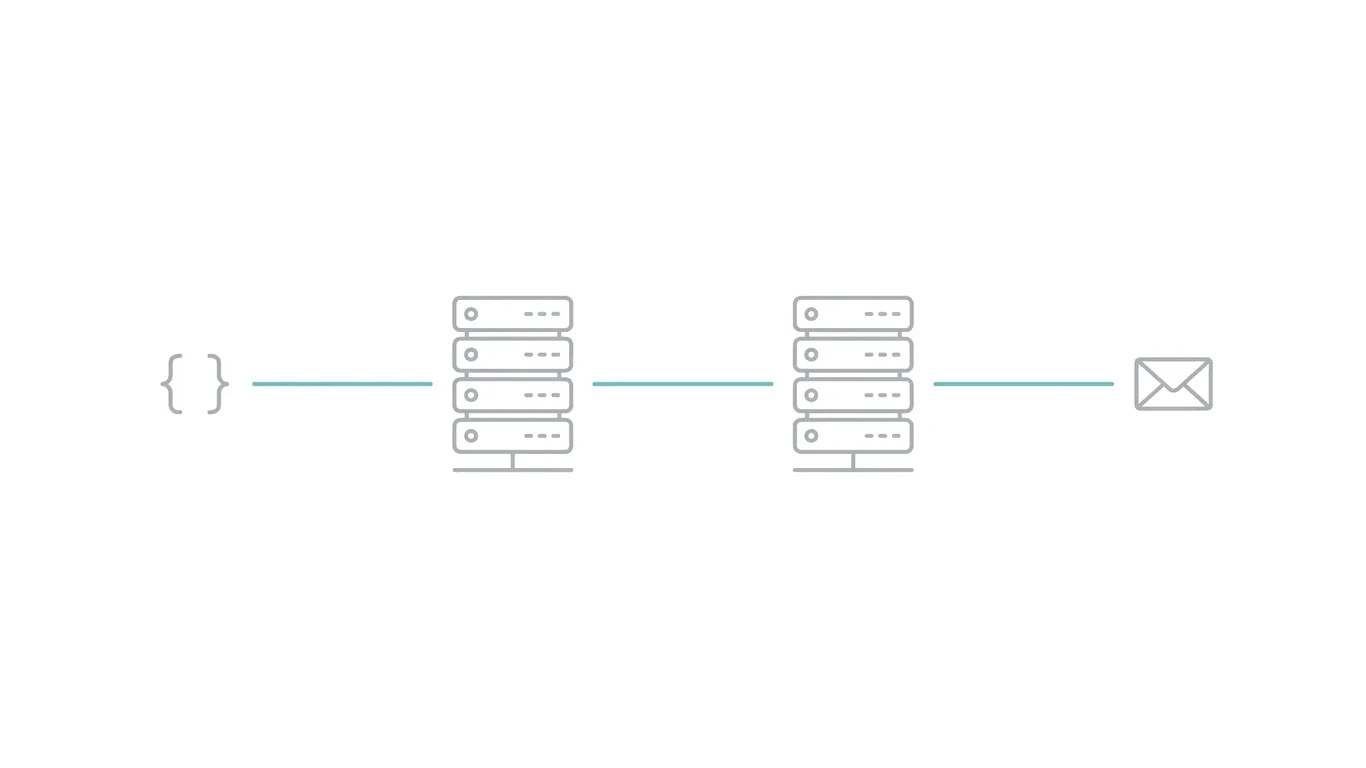
A transactional email API is a service that lets your application send email with a simple HTTP request instead of managing an SMTP connection directly — you send a structured request (recipient, subject, content) to the provider's API endpoint, and the provider handles the actual SMTP relay, delivery infrastructure, and reputation management on your behalf. Under the hood, the provider is still using SMTP to hand the message to its next destination — the API is a layer of abstraction and tooling sitting on top of that same underlying protocol, not a replacement for it.
SMTP vs. API: The Real Differences
Neither approach is universally better — they trade off differently depending on what you're building.
Raw SMTP | Sending API | |
|---|---|---|
| Setup complexity | Lower initial complexity — just connect and authenticate | Slightly more setup (API key, request format), but simpler long-term operation |
| Scalability | Limited by connection handling you build yourself | Built to handle high volume without custom queueing logic |
| Delivery visibility | None by default — you don't know if a message was delivered | Delivery status, bounces, and opens typically available via webhook |
| Retry handling | You build it yourself | Usually handled automatically by the provider |
| Best fit | Very low volume, simple internal tools, full protocol control needed | Production applications, transactional email at any meaningful scale |
For a handful of internal alert emails a month, raw SMTP is genuinely fine. For anything customer-facing or produced at real volume, the operational tooling a sending API provides — retries, delivery tracking, queueing — usually outweighs the marginal setup complexity.
What Counts as Transactional Email (and Why It Matters)
Transactional email is message content triggered by a specific user action or system event — a password reset, an order confirmation, a shipping notification, a one-time login code — as distinct from marketing email, which is broadcast content sent to a list on a schedule (newsletters, promotions, campaigns).
This distinction matters beyond terminology. Mailbox providers and many sending platforms treat transactional and marketing sending reputation somewhat separately, since transactional email is expected to be low-volume-per-recipient and directly requested by user action, while marketing email carries different compliance requirements (unsubscribe handling, consent rules) and different sending patterns. Mixing the two — sending promotional content through a transactional-labeled stream, for instance — can quietly damage deliverability for the transactional messages that genuinely need to reach the inbox reliably, like a password reset a user is actively waiting on.
What a Sending API Handles That Raw SMTP Doesn't
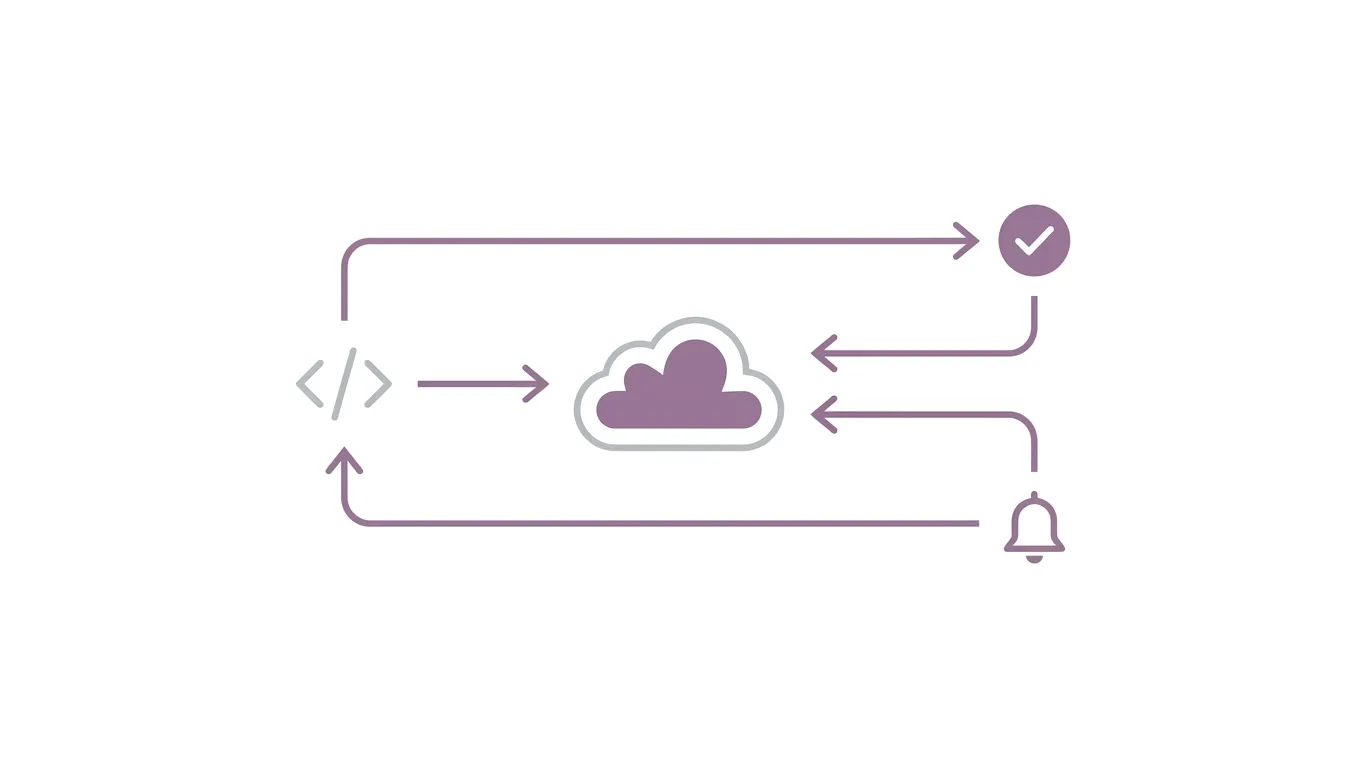
This is where the practical case for an API becomes concrete — here's specifically what you'd otherwise have to build yourself on top of raw SMTP.
Delivery Status and Bounce Handling
A sending API typically returns or reports whether a message was accepted, delivered, or bounced — including distinguishing between a hard bounce (permanently invalid address) and a soft bounce (temporary issue, worth retrying). Raw SMTP gives you none of this by default; you'd need to parse server responses and bounce messages yourself to reconstruct the same information.
Webhooks for Opens, Clicks, and Failures
Most sending APIs support webhooks — the provider calls a URL on your application whenever a relevant event happens (delivered, opened, clicked, bounced, marked as spam) — letting your application react to email events in real time rather than polling or guessing.
Built-In Retry Logic and Queueing
If a receiving server is temporarily unavailable or rate-limiting, a sending API generally retries automatically according to a sensible backoff schedule, and queues messages so a burst of sends doesn't overwhelm the connection limits a raw SMTP setup would hit immediately.
Authentication Handled at the Provider Level
A reputable sending API provider manages SPF and DKIM authentication for its own sending infrastructure, and typically walks you through aligning your domain's authentication so messages sent through the API are properly authenticated as coming from you — rather than leaving you to configure and maintain that DNS setup entirely on your own, as you would with self-managed SMTP.
Deliverability Basics Every Developer Should Know
Why Sender Authentication Still Matters With an API
Using an API doesn't remove the need for SPF, DKIM, and DMARC — it usually simplifies the setup, since the provider gives you the exact records to publish, but the underlying authentication requirement doesn't go away. A domain sending through an API with no authentication configured will still see poor deliverability.
Warming Up a Sending Domain
A brand-new sending domain (or one that hasn't sent much mail recently) generally needs a gradual increase in volume — known as warming up — to build a sending reputation with mailbox providers. Sending a large volume immediately from a cold domain is a common cause of messages landing in spam even when authentication is configured correctly.
Separating Transactional and Marketing Sending Reputation
Where possible, using a distinct subdomain or sending stream for transactional email versus marketing email helps isolate reputation — so a marketing campaign that gets flagged as spam doesn't drag down deliverability for time-sensitive transactional messages like password resets.
Choosing How to Send Email for Your Project
A simple way to decide:
- Very low volume, internal-only, full control needed → raw SMTP is a reasonable, simple choice.
- Any customer-facing transactional email (signups, receipts, password resets) at meaningful volume → a sending API is almost always the better operational choice, given the retry, delivery-tracking, and authentication handling it provides out of the box.
- Mixed transactional and marketing sending → an API with clear separation between transactional and marketing streams, ideally with distinct authentication setup for each.
If you're building something that customers will actually depend on receiving — a password reset a user is staring at their inbox waiting for — the delivery visibility and retry handling a sending API provides isn't a convenience feature, it's the difference between knowing a message failed and finding out from a support ticket.
UCN Mail's sending API is built around exactly this case — a developer-friendly way to send transactional email with delivery tracking and webhook support, backed by guided SPF/DKIM/DMARC setup so authentication isn't something you have to piece together separately.
Ready to send transactional email without managing SMTP yourself? Get API access and start sending in minutes — UCN Mail handles delivery tracking, retries, and authentication so your messages actually reach the inbox.
UCN Mail Editorial
The team behind UCN Mail. Writing about deliverability, DNS, and running email on your own domain.