Email Authentication Explained: SPF, DKIM & DMARC Guide
Everything you need to know about SPF, DKIM, and DMARC — what each one does, how they work together, and how to set them up correctly.
If you've ever been told your emails are "going to spam because your domain isn't authenticated," this guide is the explanation nobody gave you at the time. Email authentication is the set of protocols that let receiving mail servers verify a message really came from who it claims to be from — and getting it wrong is one of the most common, and most fixable, reasons legitimate email never reaches the inbox.
This guide walks through SPF, DKIM, and DMARC as one connected system rather than three disconnected acronyms — what problem each one solves, how they work together, the mistakes that quietly break them, and how to set all three up correctly.
Why Email Authentication Exists
Email, as originally designed, has no built-in way to verify who actually sent a message. The "From" address is just a claim — anyone can put anyone's domain in that field, which is exactly what spam and phishing operations have exploited for decades. Email authentication exists to close that gap: a set of DNS-based protocols that let a receiving mail server check whether a message's claimed sender is legitimate before deciding whether it belongs in an inbox, a spam folder, or nowhere at all.
Three protocols do this job today — SPF, DKIM, and DMARC — and mailbox providers like Gmail and Outlook weigh all three heavily when deciding where a message lands. Skipping any one of them doesn't just create a gap in security; it directly costs you inbox placement.
SPF vs. DKIM vs. DMARC: The Quick Difference
Before going deep on each one, here's the one-line version of what each protocol actually does:
Protocol | What It Checks | Analogy |
|---|---|---|
| SPF | Is this server allowed to send mail for this domain? | A guest list at the door |
| DKIM | Was this message altered after it was sent? | A tamper-evident seal |
| DMARC | What should happen when SPF or DKIM fails — and who should be told? | The policy that enforces the first two |
None of the three is "enough" on its own — each one closes a different gap, and mailbox providers expect to see all three configured together, aligned, and consistent.
SPF Explained: Who's Allowed to Send as You
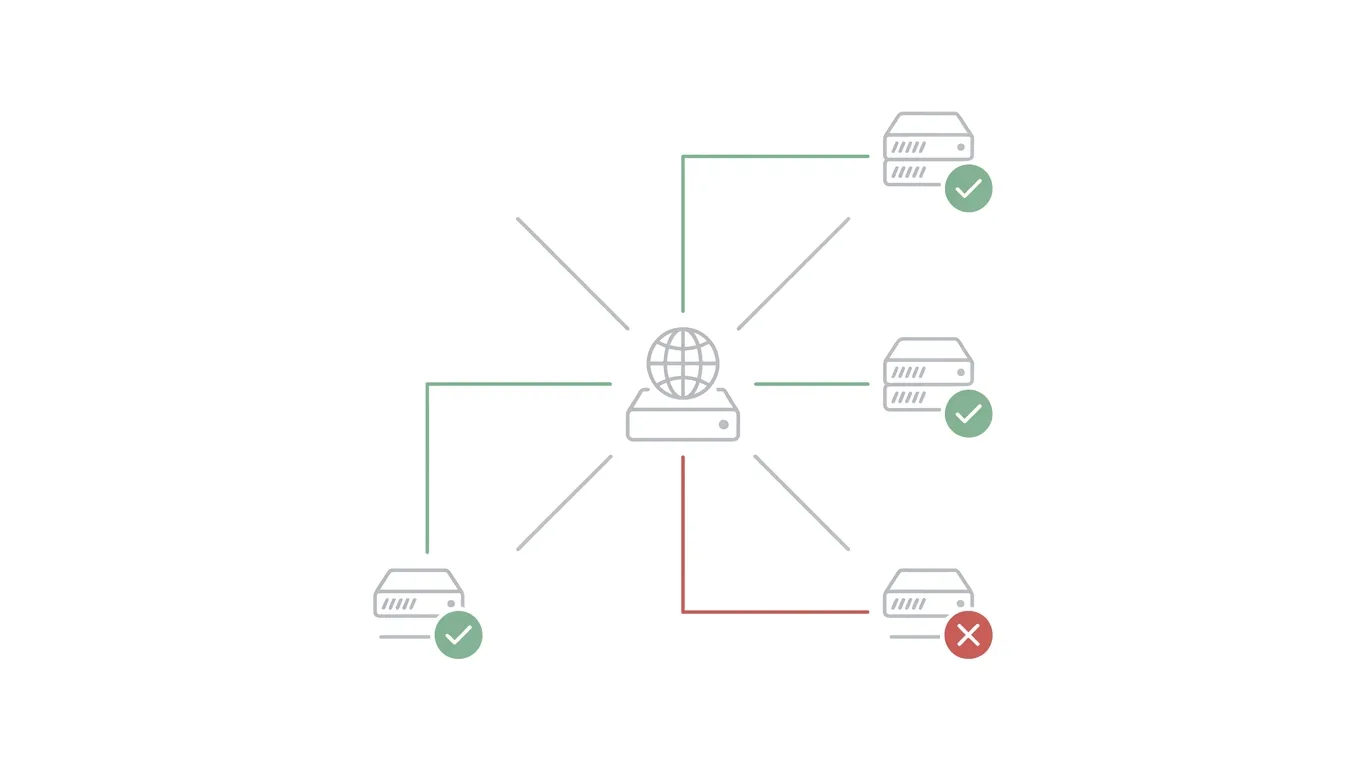
SPF (Sender Policy Framework) is a DNS TXT record that lists every mail server explicitly authorized to send email on behalf of your domain. When a receiving server gets a message claiming to be from yourcompany.com, it looks up your domain's SPF record and checks whether the server that actually sent the message is on that approved list.
How an SPF Record Is Structured
A basic SPF record looks something like a DNS TXT entry containing a version tag, a list of authorized sending sources (such as your hosting provider's mail servers or a third-party sending service), and a policy tag at the end indicating what to do with mail from unlisted sources — typically a "soft fail" or "hard fail" instruction. Every legitimate source that sends mail on your behalf — your hosting provider, a marketing platform, a transactional email API — needs to be included, or its mail may fail SPF.
The 10-Lookup Limit (and Why It Trips People Up)
SPF records have a hard limit of 10 DNS lookups per check, and each included third-party sending source often consumes one or more of those lookups. Companies that stack multiple marketing tools, CRMs, and sending services on top of each other frequently blow past this limit without realizing it — the result is a "permerror" that can cause SPF to fail entirely, even though the record looks correctly written. This is one of the most common causes of "SPF is set up but still failing" that never gets flagged until deliverability actually drops.
What Happens When SPF Fails
An SPF failure alone doesn't guarantee a message gets blocked — it depends on your policy setting and how the receiving server weighs it alongside DKIM and DMARC. But a consistent pattern of SPF failures is a strong negative signal, and combined with a failing DMARC check, it's often enough on its own to push mail into spam or cause outright rejection.
DKIM Explained: Proving the Message Wasn't Altered
While SPF checks who sent a message, DKIM (DomainKeys Identified Mail) checks whether it arrived unchanged. DKIM works using public-key cryptography: your mail server holds a private key and uses it to generate a unique cryptographic signature attached to each outgoing message's headers. That signature is tied to a public key published in your domain's DNS records, which the receiving server uses to verify the signature.
If the signature checks out, the receiving server can confirm two things with high confidence: the message really was signed by a server authorized to sign for your domain, and none of the signed content was altered in transit — no tampering, no injected links, no changed sender details. If a message is modified after signing, the signature simply won't validate, and DKIM fails.
Unlike SPF, DKIM doesn't care which server actually relayed the message — it cares whether the signature is mathematically valid. This makes it especially useful in situations where mail passes through multiple servers (forwarding, mailing lists) before reaching its destination, since the DKIM signature travels with the message itself rather than depending on the originating IP address.
DMARC Explained: Turning SPF and DKIM Into a Policy
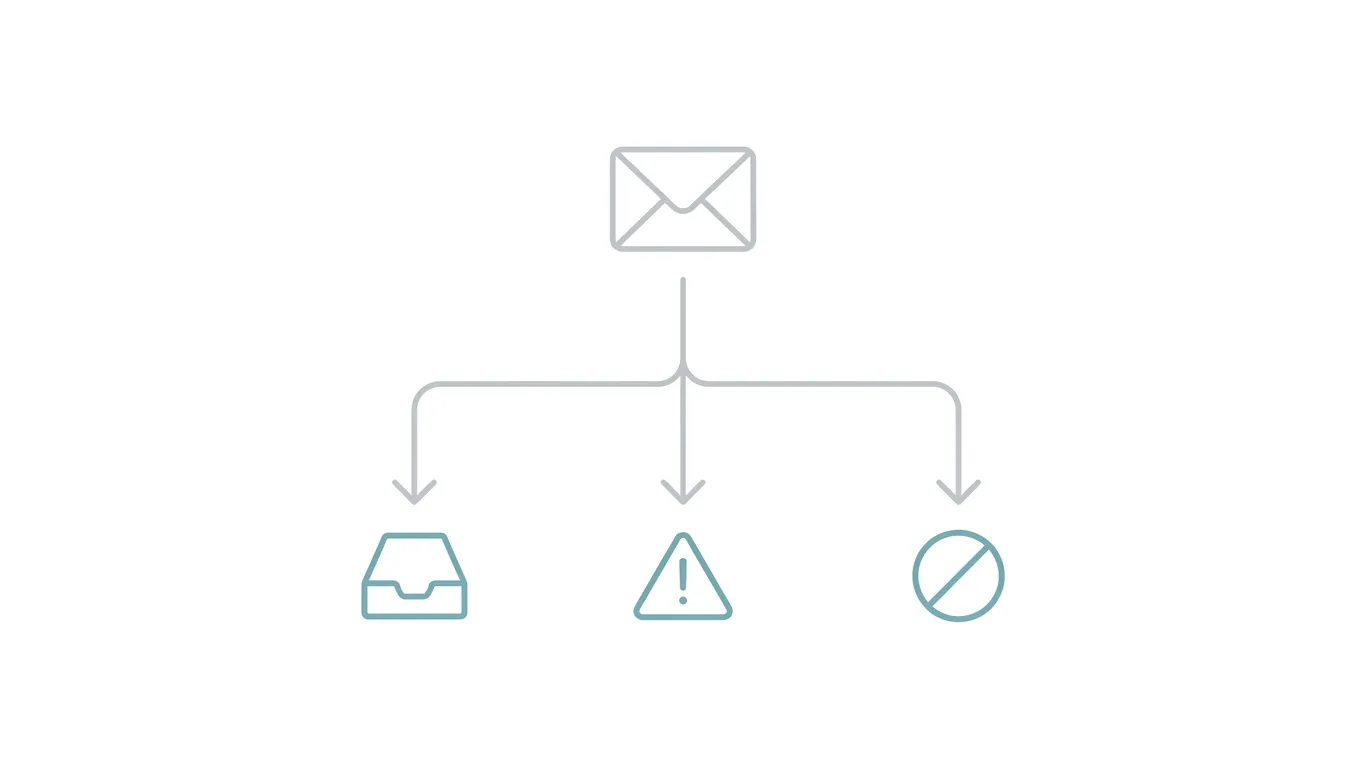
SPF and DKIM each answer a narrow technical question, but neither one tells a receiving server what to actually do with a message that fails. That's DMARC's job. DMARC (Domain-based Message Authentication, Reporting and Conformance) is a DNS record that does three things: it requires that SPF and/or DKIM pass and be aligned with the domain in the visible "From" address, it defines a policy for what happens when that alignment check fails, and it enables reporting so you can see exactly who's sending mail using your domain — including anyone attempting to spoof it.
The Three DMARC Policy Levels: none, quarantine, reject
DMARC policies escalate in three stages:
- p=none — Monitor only. Failed messages are delivered normally, but you receive reports showing what failed. This is the correct starting point for any new DMARC rollout.
- p=quarantine — Failed messages are routed to the recipient's spam folder rather than blocked outright.
- p=reject — Failed messages are rejected outright and never delivered. This is the strongest setting and the eventual goal for a fully authenticated domain, but it should only be applied after you're confident every legitimate sending source is passing cleanly.
Domain Alignment: The Part Most Explanations Skip
Alignment is the detail that trips up most people who think they've configured DMARC correctly. It's not enough for SPF or DKIM to simply pass — the domain used in that passing check has to match (or align with) the domain shown in the visible "From" address the recipient sees. A message can technically pass SPF using a different sending domain and still fail DMARC, because DMARC specifically requires that alignment. This is usually the actual reason a domain "has SPF and DKIM but DMARC still fails."
Reading a DMARC Aggregate Report
Once DMARC is published, participating mail providers send back aggregate reports — machine-readable summaries showing which servers sent mail claiming your domain, and whether each one passed or failed authentication. These reports are the single best way to discover unauthorized senders, misconfigured legitimate services, or forgotten third-party tools that need to be added to your SPF record. Reading them manually is painful; most teams use a report-parsing tool or their hosting provider's dashboard rather than opening raw XML files by hand.
How These Three Protocols Work Together to Stop Spoofing
Put together, the three protocols form a chain, not a redundant stack:
- SPF confirms the sending server is authorized.
- DKIM confirms the message content wasn't altered.
- DMARC confirms SPF and/or DKIM aligns with the visible sender domain, and enforces a consequence when they don't.
A spoofed message might slip past one check — an attacker could technically pass SPF by using their own authorized server while forging the "From" address — but DMARC's alignment requirement is specifically designed to catch that gap. This is exactly why mailbox providers weigh all three together rather than any single one in isolation: each protocol closes a hole the others leave open.
Common Authentication Mistakes That Quietly Break Deliverability
A few misconfigurations account for the vast majority of "why is my authenticated domain still landing in spam" cases:
- Multiple SPF records for one domain. DNS only permits one SPF record per domain — having two, even if each looks valid individually, causes SPF to fail entirely.
- Exceeding the 10-lookup limit. Covered above, but worth repeating: this failure mode looks like a correctly written record that simply stops working once too many services are included.
- DKIM keys that were never rotated. DKIM keys don't need frequent rotation, but abandoned or compromised keys left in place indefinitely are a real security gap, not just a technicality.
- DMARC left at p=none forever. Monitoring mode is the right starting point, but many domains never progress past it — meaning DMARC is publishing reports but enforcing nothing, leaving spoofing protection effectively theoretical.
- Adding a new sending tool without updating SPF/DKIM. Every new marketing platform, CRM, or transactional sending service needs to be explicitly authorized — forgetting this step is the single most common day-to-day cause of new deliverability problems.
How to Set Up and Verify SPF, DKIM, and DMARC
Publishing Your SPF Record
Add a single TXT record at your domain's root listing every authorized sending source (your hosting provider, plus any third-party tools you actually use), ending with an appropriate fail policy. If you're consolidating multiple existing SPF-related records, merge them into one — don't publish two.
Generating and Publishing a DKIM Key Pair
Most hosting providers generate the key pair for you and provide the exact public-key TXT record to publish, along with a specific DKIM selector (a subdomain-style prefix used to identify which key is in use). You publish the public key in DNS; the private key stays with your mail server and is never exposed.
Rolling Out DMARC Safely, Starting at p=none
Publish a DMARC record at p=none first, and let reports accumulate for a few weeks. Review those reports to confirm every legitimate sending source is passing and aligned, fix anything that isn't, and only then move to p=quarantine and eventually p=reject. Jumping straight to p=reject before confirming every legitimate source passes is the most common way teams accidentally block their own mail.
Tools to Verify Everything Is Actually Working
Send a test message to a mail-tester or header-analysis tool, or check the "Authentication-Results" header on a received message directly — most major mailbox providers include a clear pass/fail readout for SPF, DKIM, and DMARC in the message headers, which is the most direct way to confirm your setup is actually working rather than just correctly published.
Providers with guided authentication setup — UCN Mail included — walk you through generating and publishing these records correctly the first time, rather than leaving you to interpret raw DNS syntax and hope it's right.
Further Reading on the UCN Mail Blog
Ready to stop guessing at DNS records? Set up SPF, DKIM, and DMARC correctly in minutes — UCN Mail's guided authentication setup handles the configuration so your mail lands in the inbox, not the spam folder.
UCN Mail Editorial
The team behind UCN Mail. Writing about deliverability, DNS, and running email on your own domain.